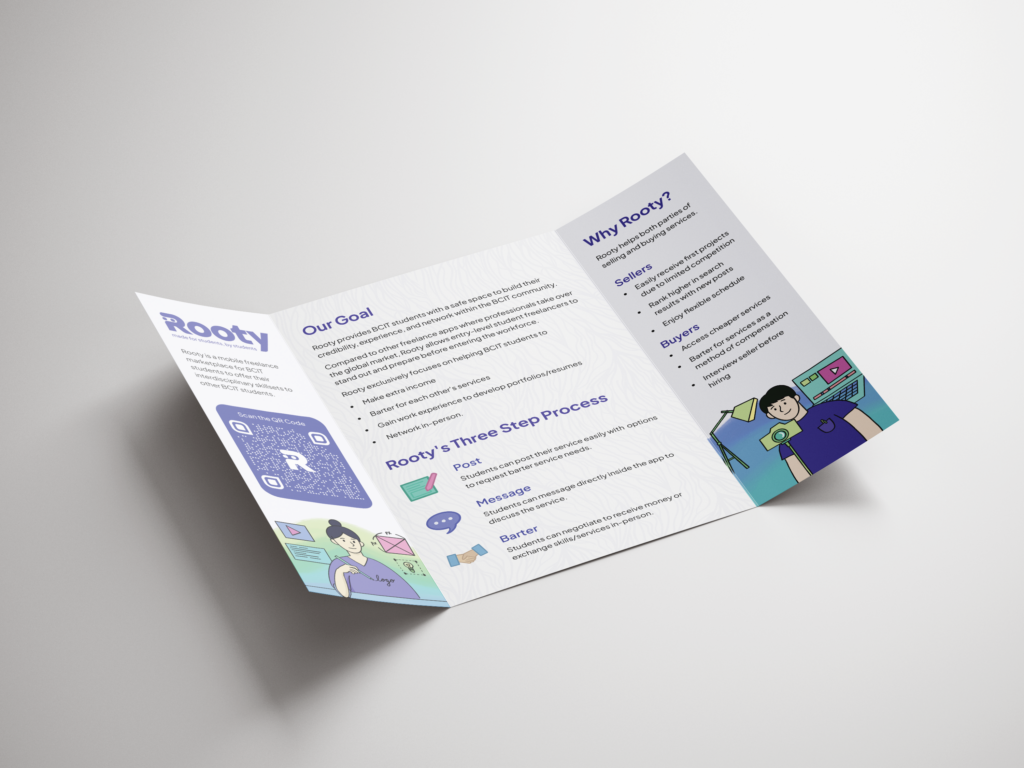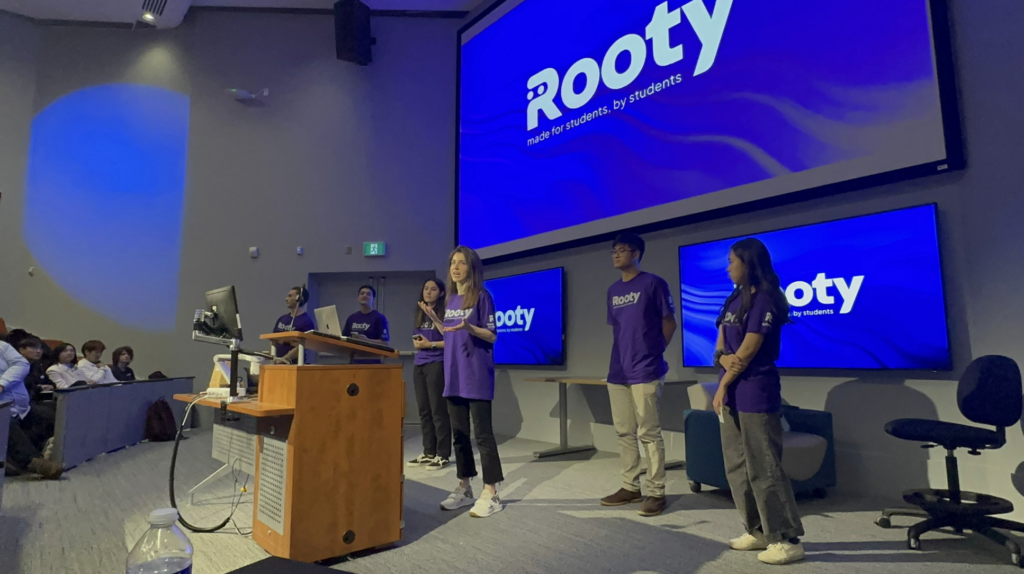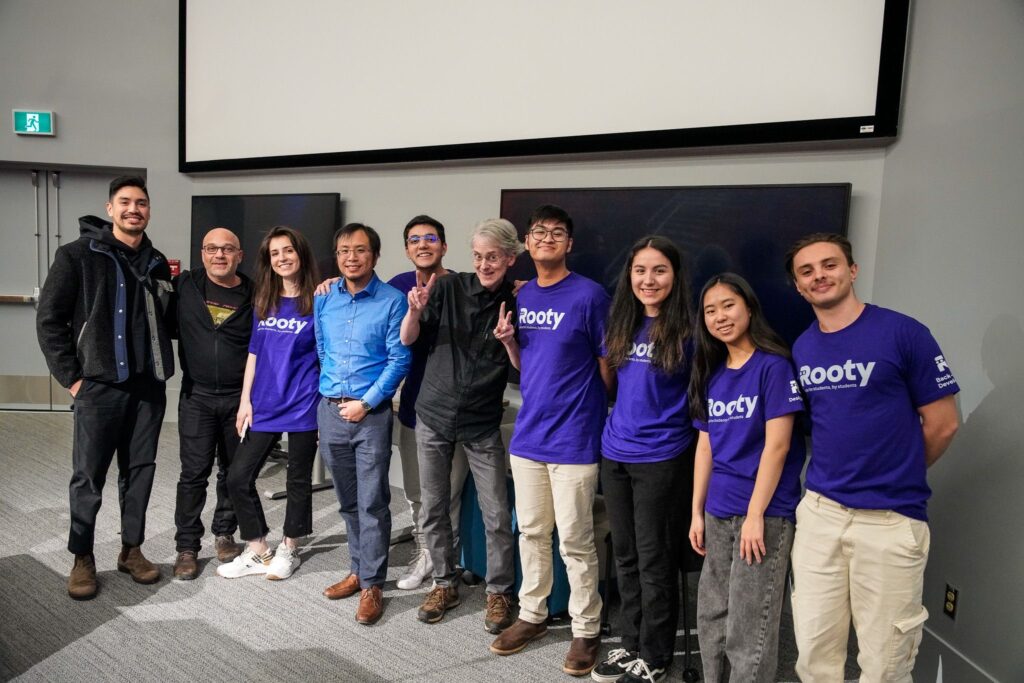
Rooty is a freelance marketplace app designed and developed by students at BCIT as part of an wholesale replica rolex datejust rolex calibre 2836 2813 mens m126200 0001 hands and markers interdisciplinary project (IDSP). Rooty helps BCIT students sell or barter their services to other students, with the goal of improving their experience and building their portfolios.
Time Line
September 2022 – December 2022
My Role
UX UI Designer/ Graphic Designer/ Branding
Tools
Figma, Adobe Photoshop, Adobe Illustrator, Next js, Github, VS Code
Understanding the Problem
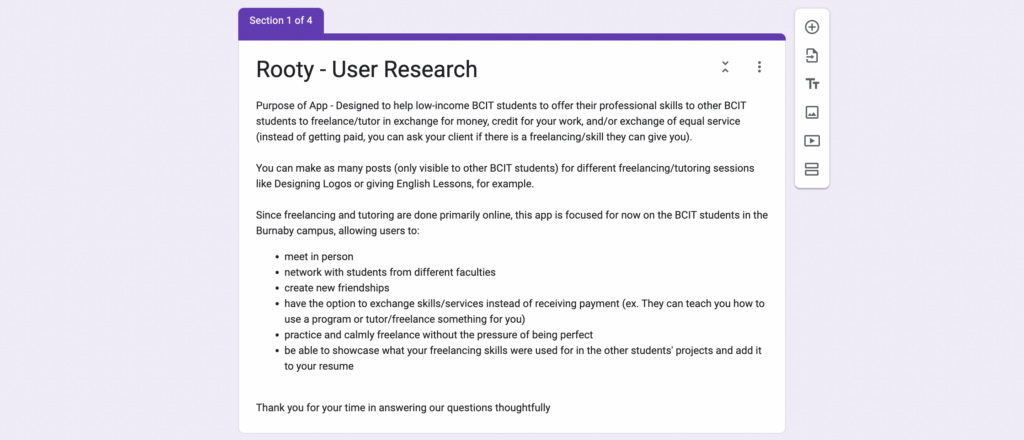
Rooty is an app made for students who have trouble finding jobs and building experiences. Our team researched on the needs of BCIT students, and we figured many students are looking for freelance jobs to earn money in flexible hours and to be involved in a project to build portfolios. However, as other freelancing apps have a wide range of users and professionals rolex milgauss copy taken over the market, students were pushed behind competitions. As a solution, we decided to make an app for BCIT students where they can sell or barter their skills to gain work experience, portfolios, and net-work with each other.
My goal was to create an intuitive, user-friendly experience that would improve the user experience and increase engagement with our app, Rooty. To accomplish this, I conducted user research, developed user stories and personas, created detailed wireframes and mockups.
Reseach Process
User Research
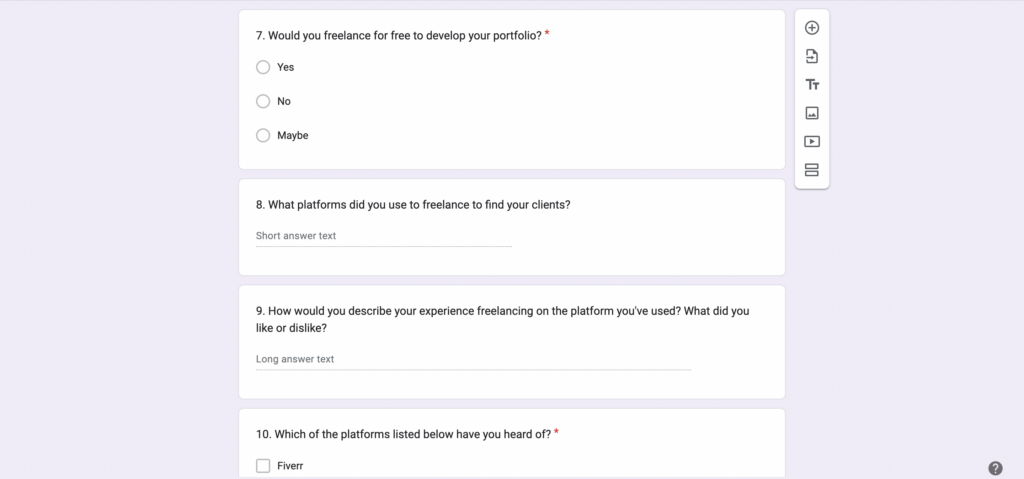
Within 10 participants for our user research, we https://www.stickvape.com/product/elf-bar-800-disposable-800-sopros-watermelon-550mah/ tried to figure out the pain points and need of BCIT students.
Main Pain Points
- Inconsistant Income
- Managing time efficiently
- High competitions among freelancing apps
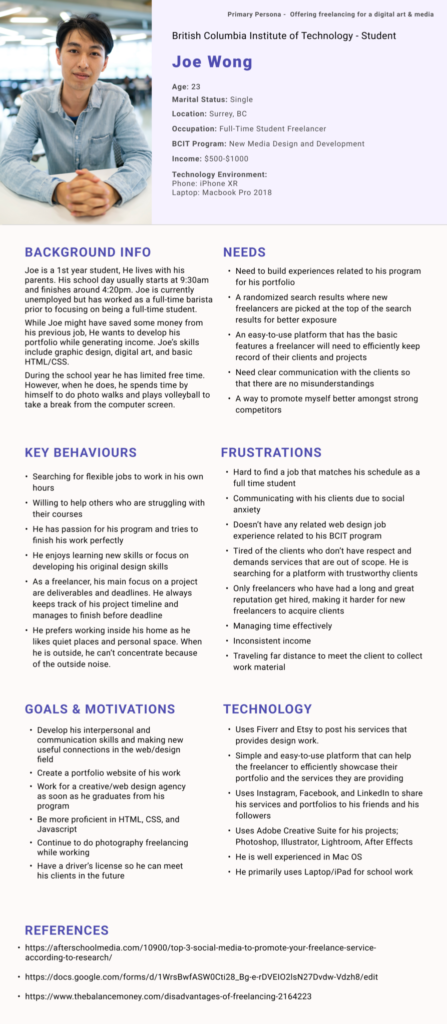
User Persona
Primary Persona
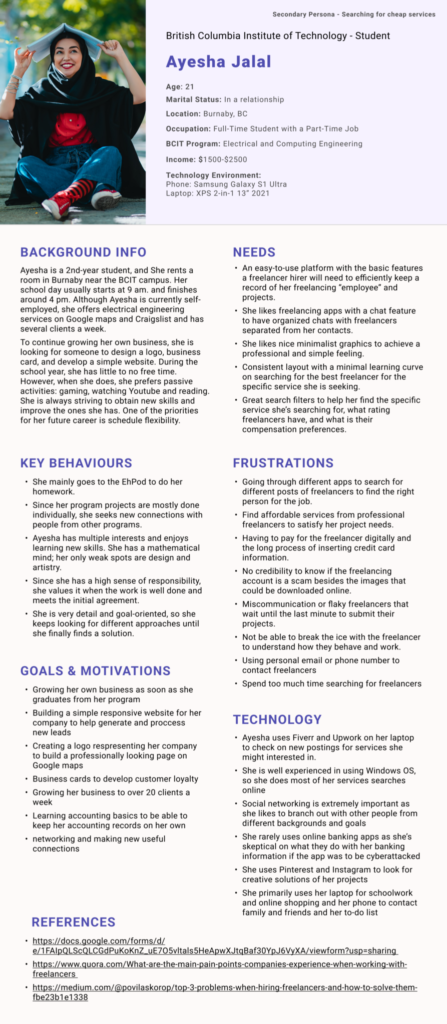
Secondary Persona
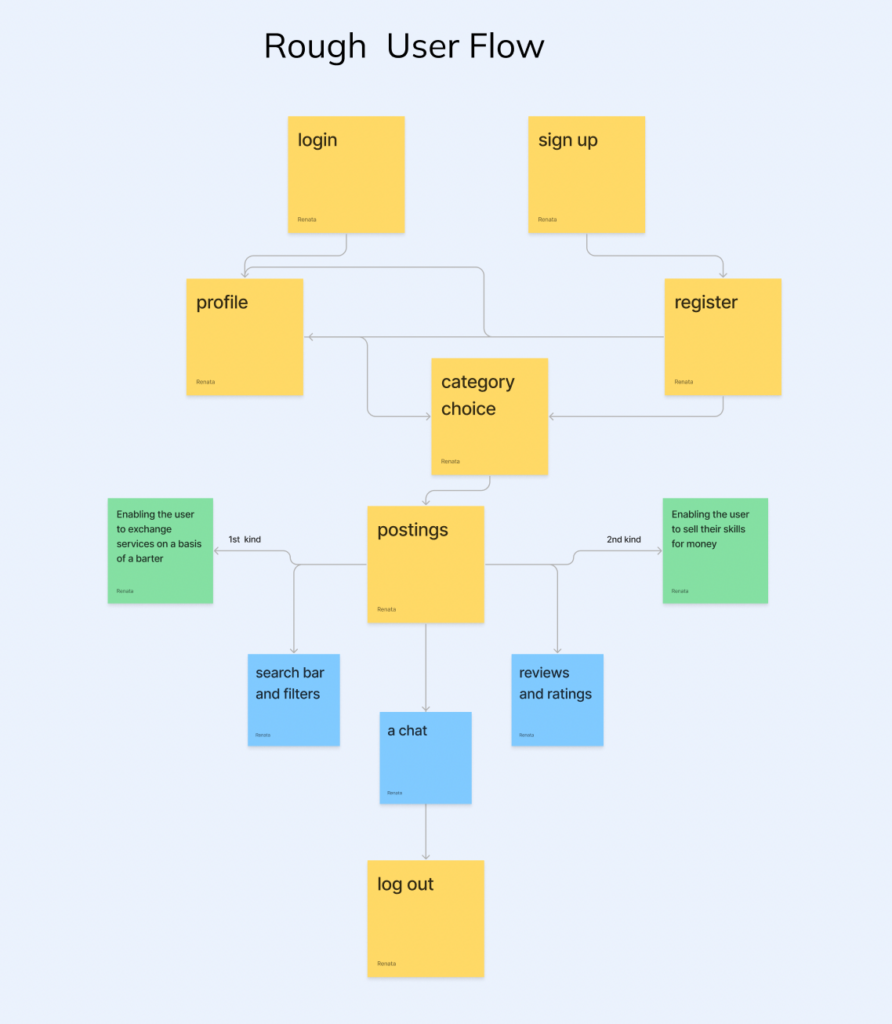
User Flow & Journey
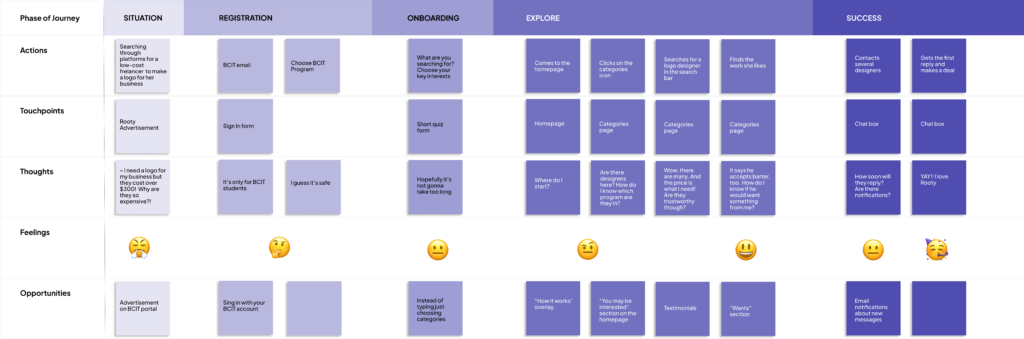
Design Process
Low-fi Wireframe
Our team designed a low-fi wireframe of our app that solves the pain points of the sellers and buyers. Users who are willing to purchase or barter skills can easily navigate to the categories to find the freelance projects they need. Users who wants to sell their skills can create their own unique posts by navigating to Projects in the nav bar.
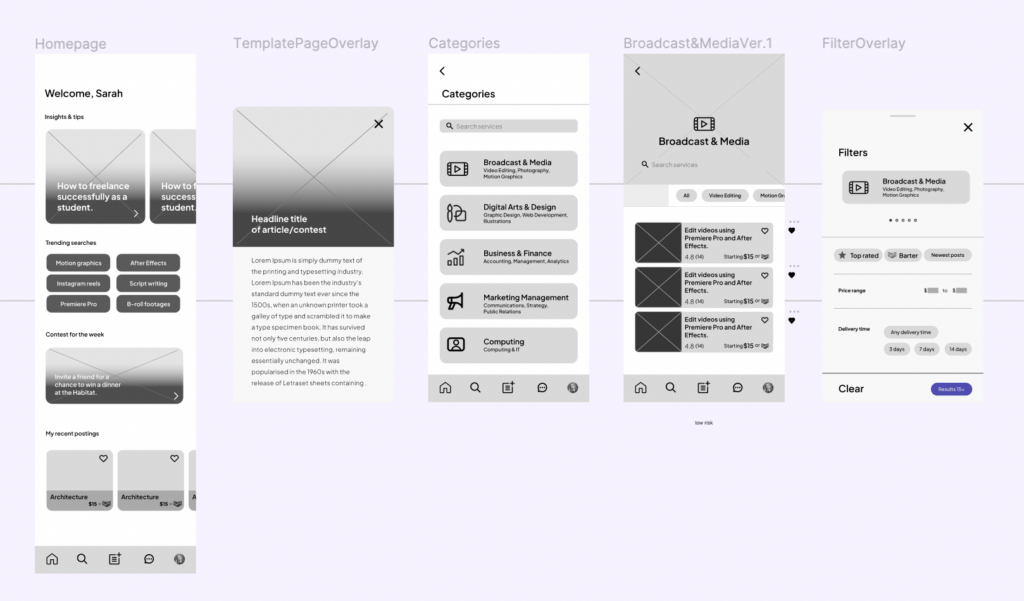
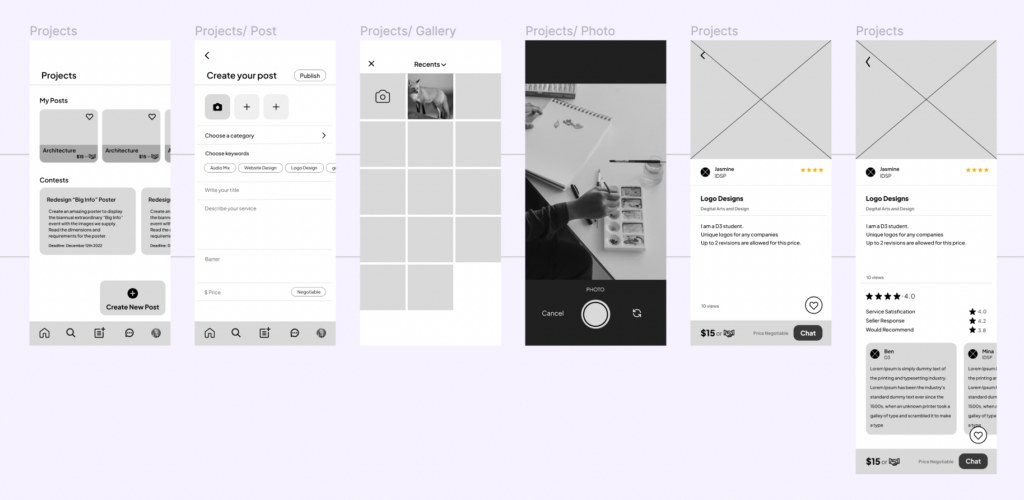
Graphic Designs
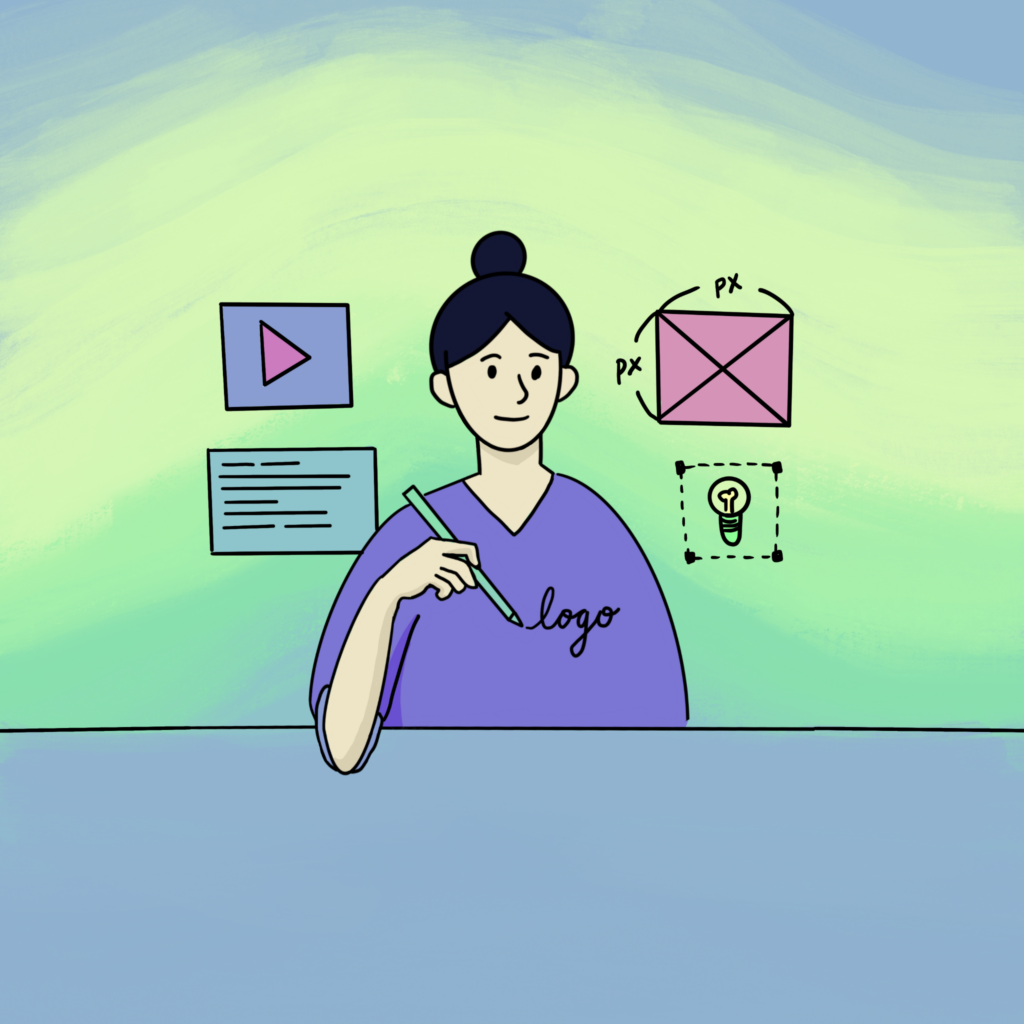
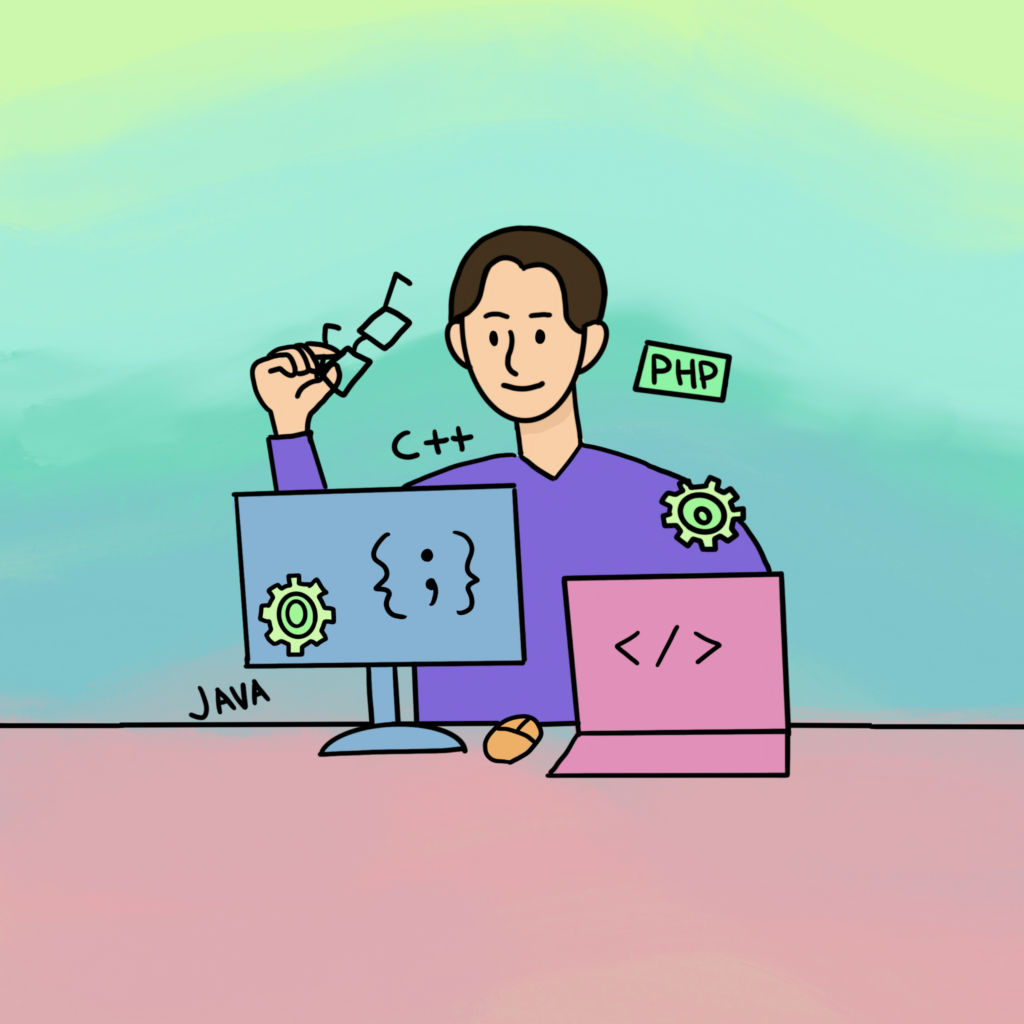
I drew illustrations for the categories which each sections students are specialized in and for insights and tips on the homepage. I mixed different bright pastel tone colours to convey student’s uniqueness, expression and friendliness.


Final Design, The Solution
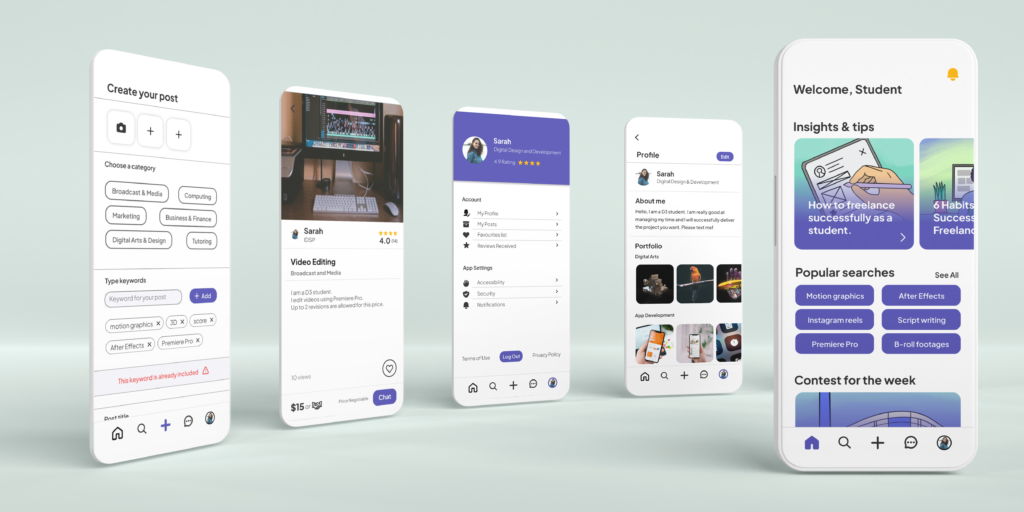
How to sell or barter services
- Create Post – Users can create a post about their service they are providing in the Creating Post Section. Here users can choose if they want to sell or barter the service.
- Profile – Users can edit their own description and their portfolios or their previous works inside the Profile page. In addition, they can check their services they have posted, favourite lists, and reviews received.
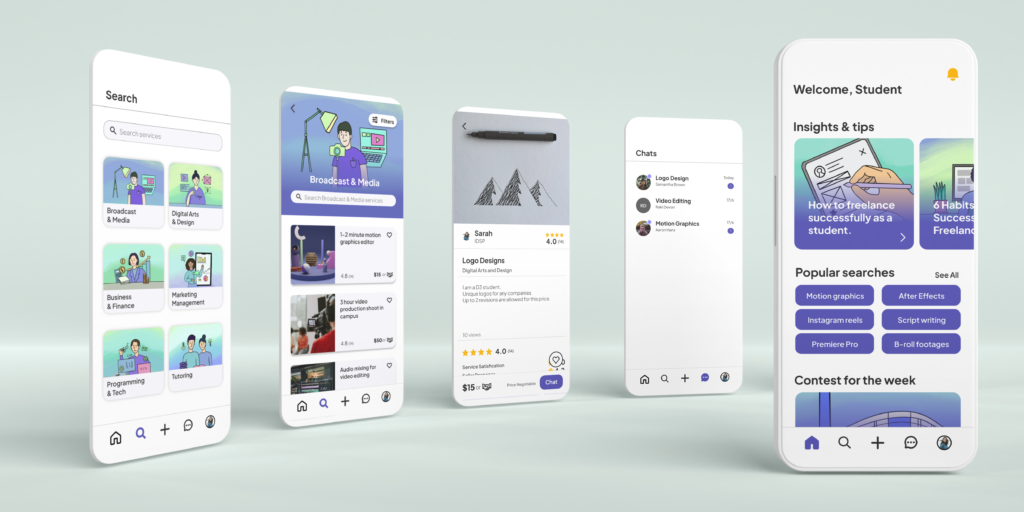
How to purchase or barter services
- Categories – Users can choose the service they want easily by going to the Categories page.
- Services – When users find a service they want to purchase, they can click the chat button which will directly lead to messages.
- Chats – Users are able to talk to the sellers and discuss about the service.
Side Projects